Relationship rhythm
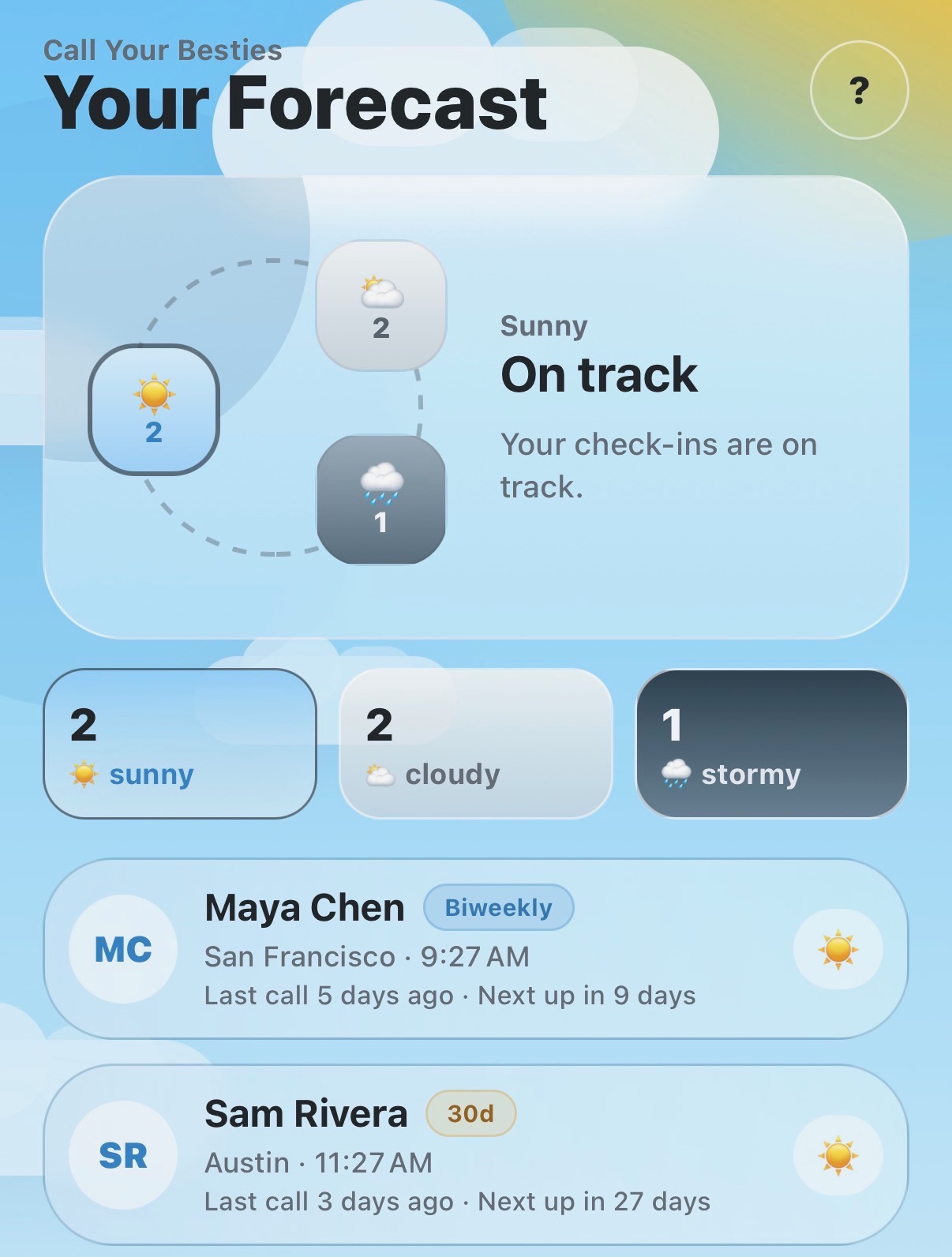
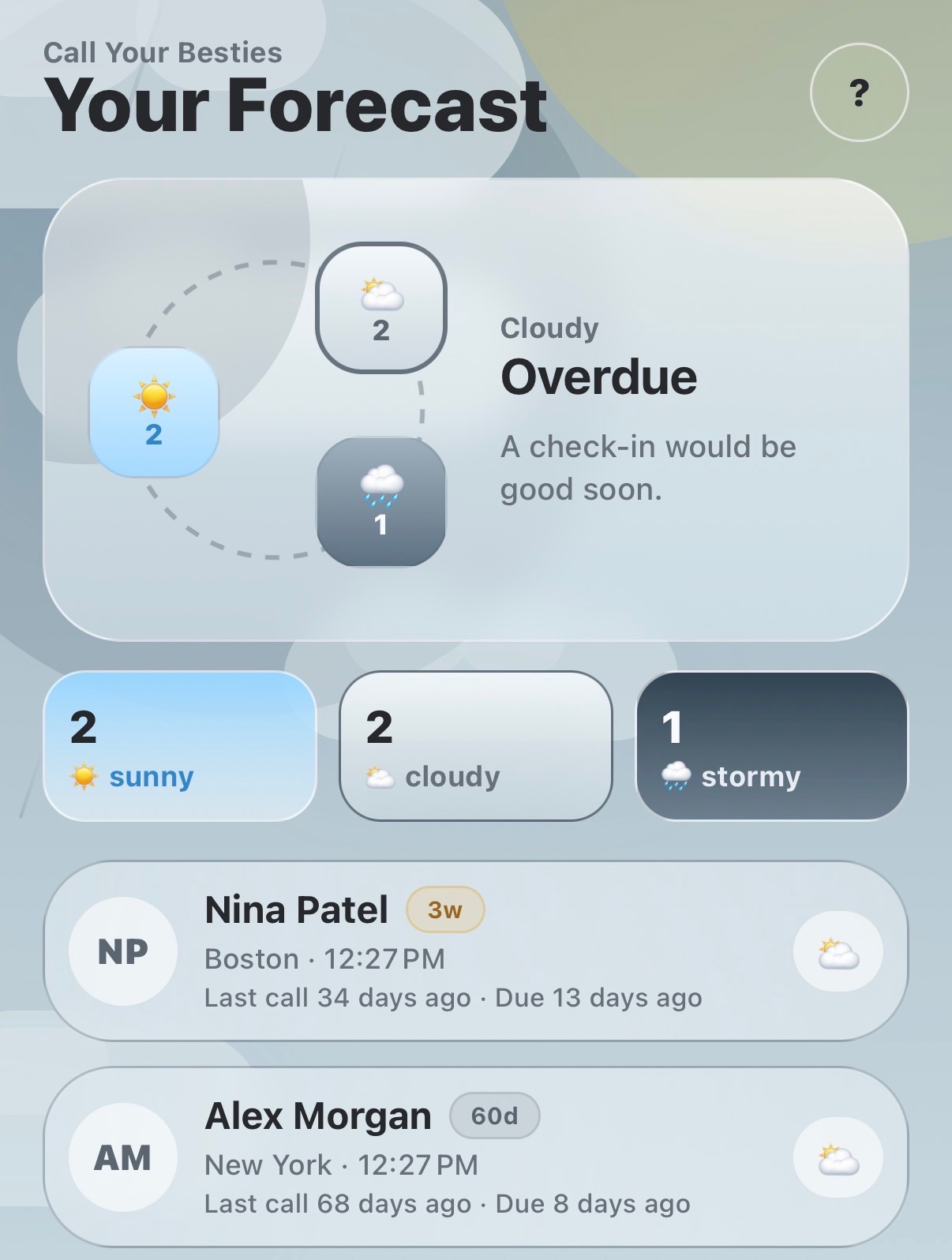
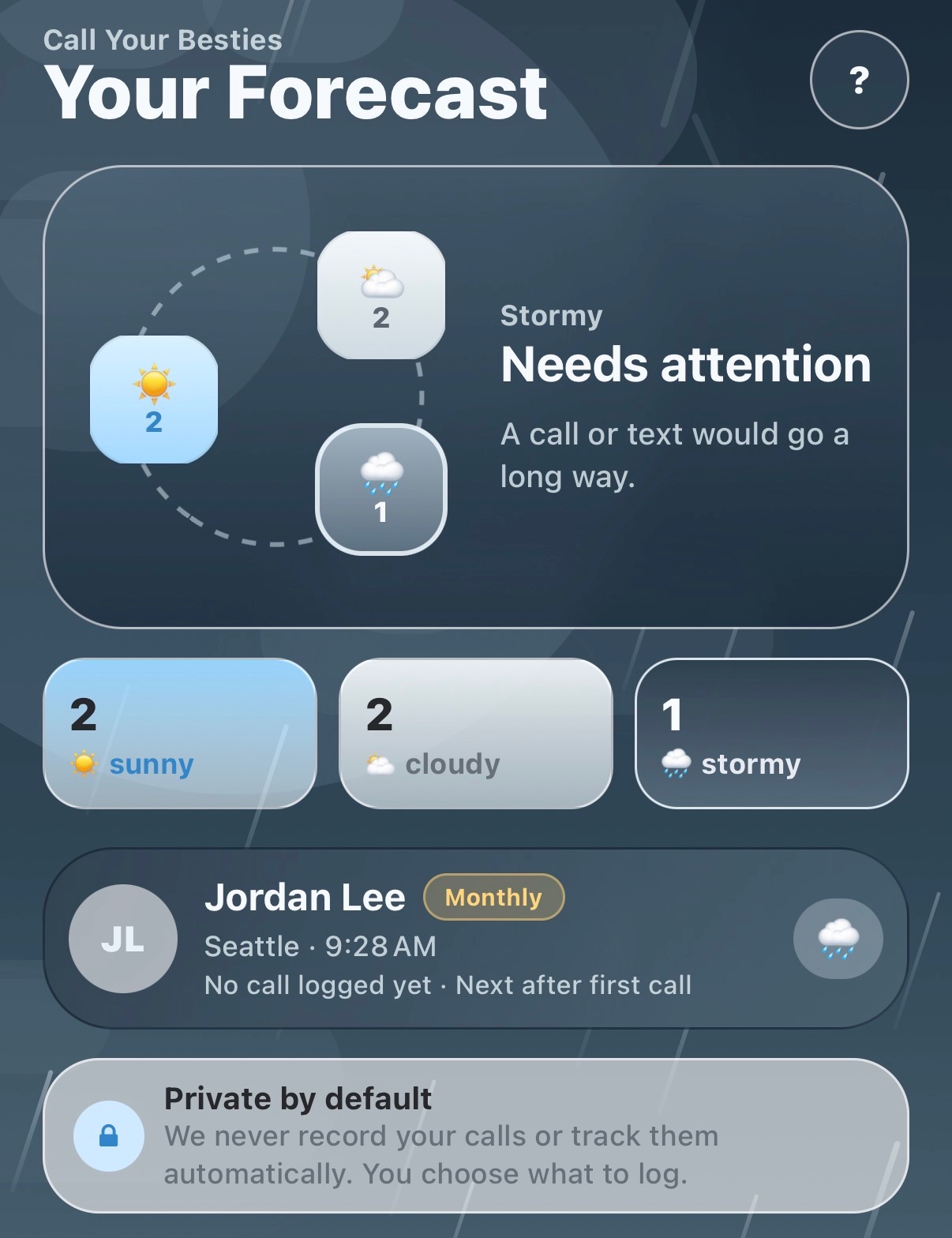
Sunny, cloudy, and stormy statuses make your check-in rhythm easy to scan.
Sunny
On track
You've caught up recently and are within the rhythm you set.
Cloudy
Due soon
This person is getting close to the cadence you chose.
Stormy
Needs attention
This person is past the cadence you chose.